
Comfortable browser play starts before the first round. A readable label, a clear control and a sensible sound level can matter more than a busy screen full of effects. This September 2026 guide offers a short way to check your setup for social games. Use it on the device you already have, and keep the changes that make the session easier to follow.
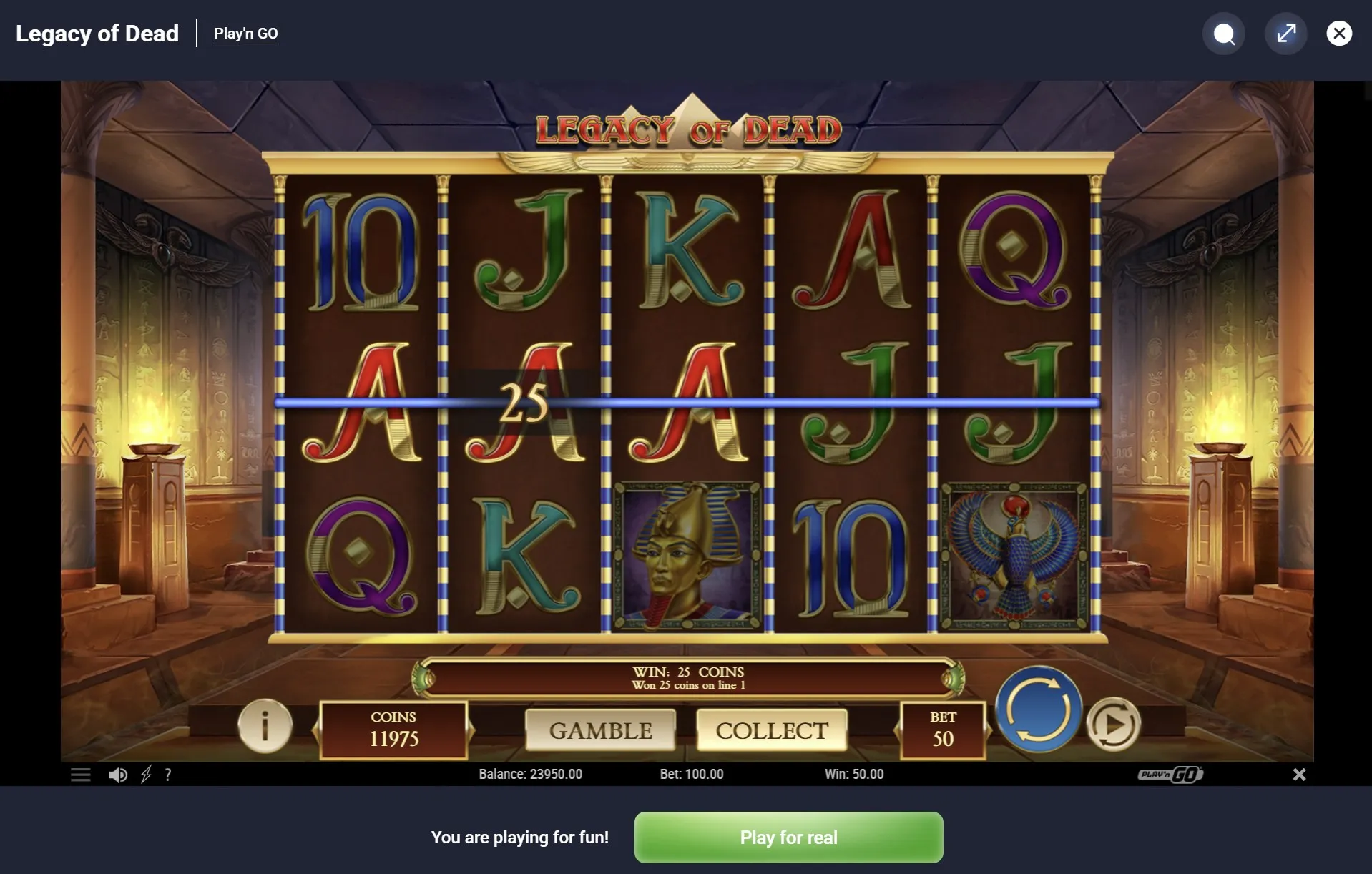
Read the screen
Look at the labels before touching the main action button. Can you distinguish the balance, the selected setting and the result area without leaning towards the screen? Try the browser’s normal zoom controls if the text feels small. Some embedded games handle resizing differently from the surrounding page, so check that essential controls remain visible after a change.
On a phone, compare the available orientations before committing to a session. A wider view may help one layout and make another less convenient. There is no need to force the device into a position that feels awkward. Hold it normally, keep the important controls within comfortable reach, and choose the view that lets you read a result without repeated scrolling.
A quick first pass
- Read the game instructions and locate its main controls.
- Adjust text size or orientation, then check the whole layout.
- Set the sound before starting any action that may be noisy.
- Try a short session and pause if the interface feels tiring.
Allow each action to finish before tapping again. When a game is loading, repeated presses can leave you uncertain about what was accepted. Watch for a clear change in the display instead of trying to hurry it along. If a control appears stuck, stop interacting and check the page state; do not assume that more taps will solve the delay.
Check the settings
For browser play, small adjustments are easiest to judge one at a time. Lower the sound, inspect the result, then consider another change. This makes it clearer which setting helped. Use controls that are actually available in the game or browser; do not assume every title has a pause button, reduced animation mode or identical full-screen behaviour.
| What feels awkward | Try first | Check afterwards |
|---|---|---|
| Small labels | Browser zoom or another orientation. | Controls still fit on screen. |
| Loud effects | Available sound or device volume controls. | Useful cues remain noticeable. |
| Unclear response | Wait for the current action to finish. | The result has settled. |
Notifications can interrupt both reading and conversation. Before a planned session, consider the device settings you normally use for quiet time. Keep any alerts you need, and avoid making broad changes you will forget to reverse. If friends are watching, the simple preparations in our shared sessions guide can help everyone see and follow the same action.
Know what is saved
Saved progress deserves a separate check from screen comfort. The site’s published privacy text describes local storage for game information and preferences. That does not establish that every embedded title saves in exactly the same way. Read the relevant explanation before switching browsers or clearing data, and avoid assuming that a familiar device guarantees a recoverable session.
- Check which browser and device you used for the earlier session.
- Read any save or reset explanation before changing stored data.
- Keep private details out of screenshots prepared for support.
- Describe the page and the last action when reporting a problem.
If a displayed balance looks unfamiliar, first check that you opened the intended game. Different titles may use different labels or starting conditions. Our virtual points article explains how to read those numbers in context. Avoid treating a missing display as proof of a particular cause; note what you can actually see before trying a fix.
Author’s opinion
I like browser play most when the interface lets me forget about the device. Clear text and a predictable response matter more to me than filling every inch of the screen. If a few simple adjustments do not help, I would end the session and return later. Leisure should fit the available attention, rather than demand that we work around a tiring setup. — Karl Foster